






















Wat nodig is om een online enquête te maken
Met Enquete.com maak je moeiteloos een enquête voor elk doel: klanttevredenheid, medewerkersonderzoek, marktonderzoek of academisch onderzoek. Onze tool is gebouwd voor iedereen — van beginner tot professional.

Enquête maken in minuten
Maak eenvoudig een professionele online enquête met onze intuïtieve enquêtebouwer. In slechts enkele minuten kun je een enquête maken zonder technische kennis. Kies een van onze sjablonen, pas de vragen aan en start direct met het verzamelen van waardevolle feedback.
Maak nu gratis een enquête
100+ enquêtesjablonen en AI-enquêtegenerator
Begin niet vanaf nul. Kies uit meer dan 100 kant-en-klare enquêtesjablonen voor bedrijven, onderwijs, HR, gezondheidszorg of evenementen. Of gebruik onze AI-enquêtegenerator om in enkele seconden automatisch een professionele enquête te maken.
Bekijk alle sjablonen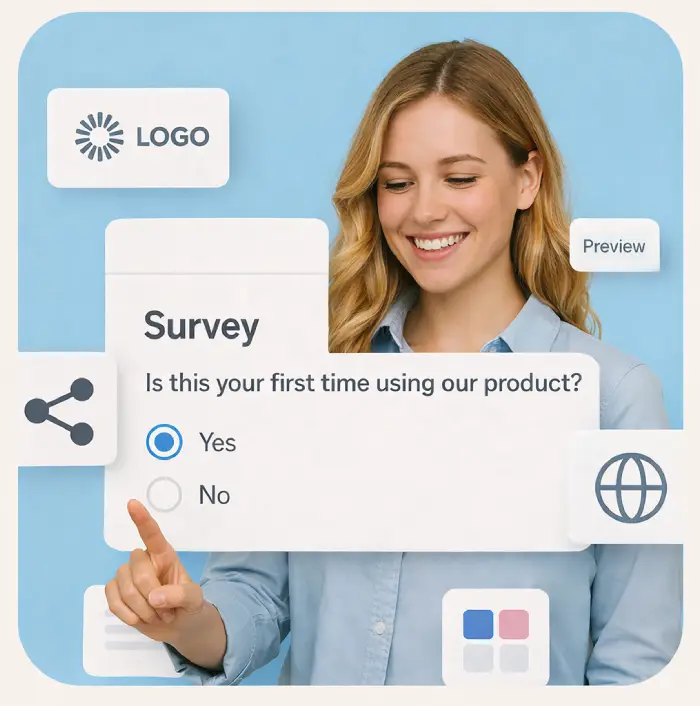
Volledig aanpasbaar aan jouw merk
Geef je enquête jouw eigen uitstraling: voeg je logo toe, kies je huisstijlkleuren en stel slimme vraaglogica in. Beschikbaar in meerdere talen voor internationale doelgroepen.
Maak nu gratis een enquête
Direct inzicht uit je enquête resultaten
Bekijk responsen in realtime via overzichtelijke dashboards en grafieken. Exporteer je enquêteresultaten naar Excel, PDF of SPSS voor verdere analyse.
Maak nu gratis een enquête
AVG-conform enquête maken — veilig & betrouwbaar
Maak enquêtes die voldoen aan de AVG (GDPR). Jouw gegevens en die van je respondenten zijn beveiligd met end-to-end-versleuteling en veilige Europese cloudopslag.
Maak nu gratis een enquête